
The whole crew, connected. The latest plans on everyone’s phone.
Upload your plans once. Roughin sorts every sheet by trade and puts it on every phone on your crew, with markup, measuring, AI answers and a construction calculator built in. You run projects, crew, hours and photos from a dashboard on any computer.
- Sorted by
trade - Always the
latest sheet - Ask the
plans - Measure +
mark up - Crew
chat - Clock in
and out - Construction
calculator - Site
photos
From $89 CAD / monthNo contractCrew use the phone they already carry
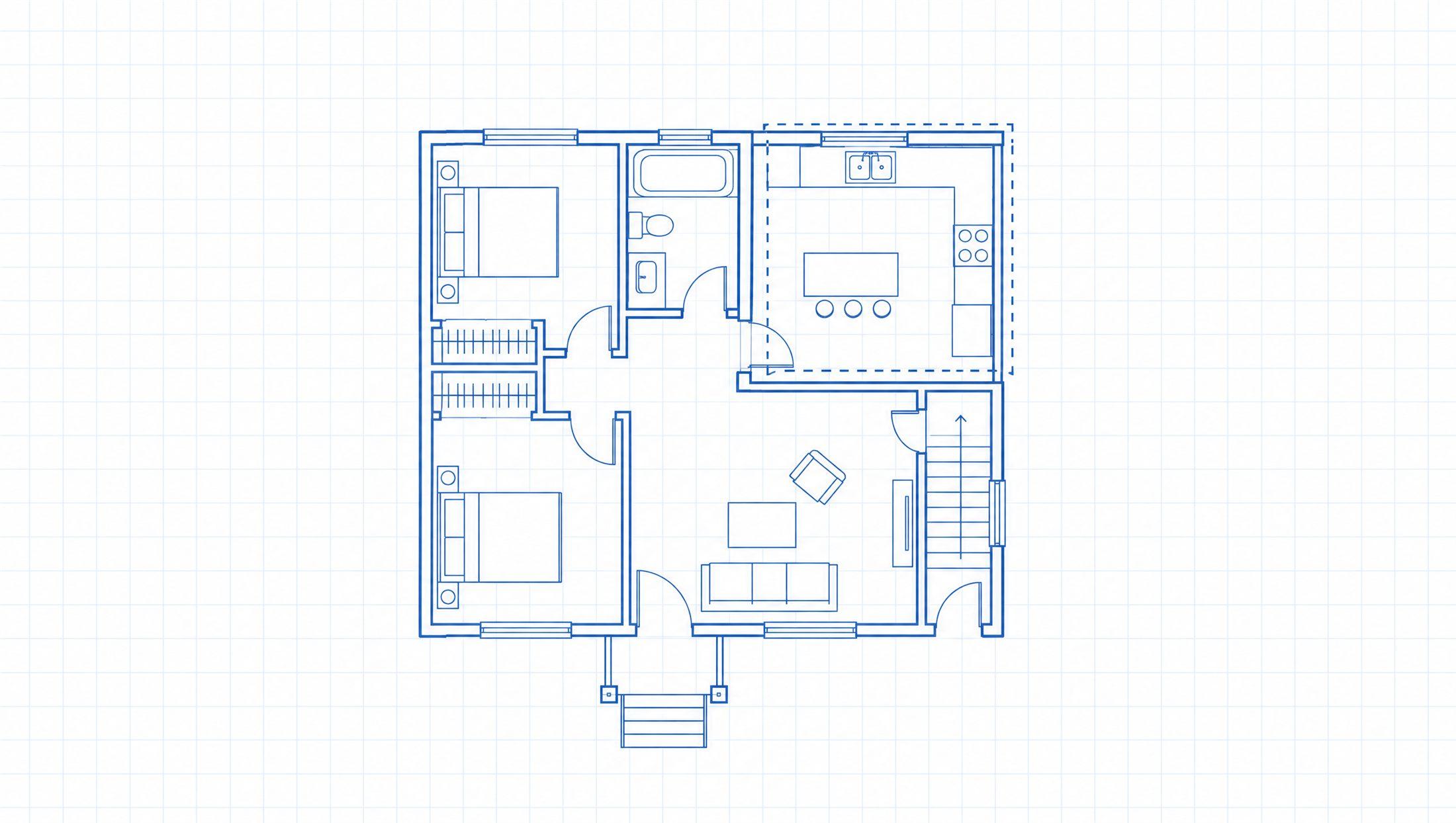
Their job, sorted by trade. Two taps to any sheet. Nothing else in the way.
- SetupUpload your plans. They organize themselves.
- CrewPlans on their phone right away.
- ProjectsUnlimited projects, each with plans, markup, photos, chat and hours.
- BillingMonthly. No contract. Cancel anytime.
The plans changed. Does the crew know?
A revision goes up. Half the crew never hears about it. They build off the old sheet, and you pay to build it twice. Bad or missing information is behind almost half of all rework on a job.
Source: FMI / PlanGrid, “Construction Disconnected,” 2018. 48% of rework.
When the plans live in the truck
A revision goes up. Nobody tells the crew.Scroll a 200-page PDF to find E3.2Call the office to ask what a note saysSite photos sit in someone's camera rollText in your hours. Fix them on Friday.Do the math in your head. Cut it wrong.Redo work built on the old plans
When the plans live on every phone
Everyone on the current setReplace the sheet once
Every phone on the job gets the new page and a notification that it changed. The old one is gone.
Open the sheet, use the tools
E3.2 is two taps away. Measure, mark up, or crop a detail and send it to the crew, right from the sheet.
Ask the plans, not the office
“What's the ceiling height in 104?” The answer points to the spot on the sheet, so the crew can check it anywhere in the field.
Let the calculator do the math
Feet, inches and fractions in the built-in construction calculator. No head math, no wrong cuts.
Clock out from the same app
Hours and photos land in the office on their own. Nobody chases anything on Friday.
The office runs it from a browser. The crew runs it from their pocket.
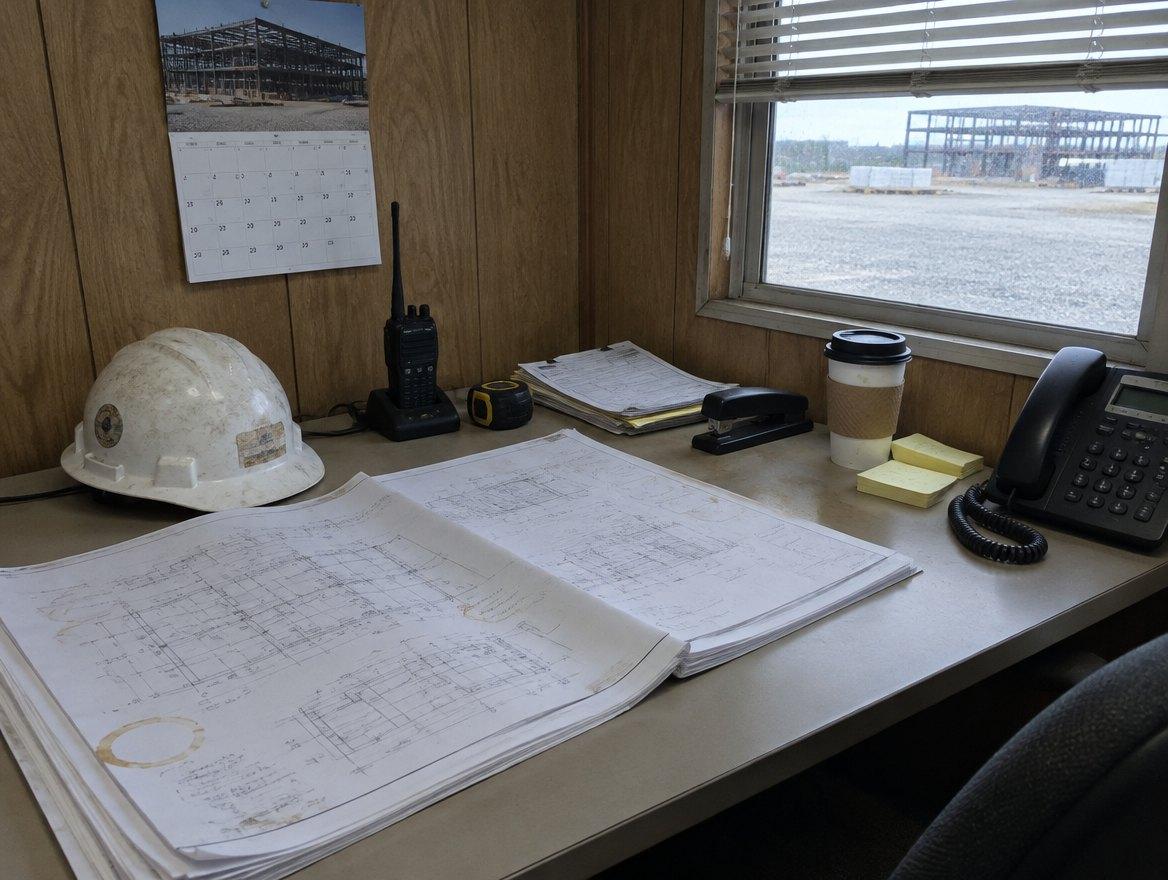
Office. Set it up once.
- Upload a plan set. It sorts itself.
- Open, mark up and measure plans right on the dashboard.
- Replace a revised sheet. Everyone’s phone updates and gets a notification.
- Assign people to jobs. They only see what they’re assigned to.
- Approve hours and lock the pay period.
- Export to PDF, Excel or CSV for payroll.
- Message a job, a group or one person.

Crew. Nothing to learn.
- Their job, sorted by trade.
- Ask the plans. See the answer on the sheet.
- Measure and mark up right on the drawing.
- Clock in and out with one tap.
- Photos go to the job, not the camera roll.
- A chat for every job, instead of a group text.
- Run the numbers in the construction calculator.
Plans, photos, hours, chat and a construction calculator. One app.
- Plan sets
Sorted before the crew shows up
Upload one PDF and every sheet lands under its trade. Then measure, mark up, ask the AI about the plans, or run the numbers in the built-in construction calculator.
- Revisions
Swap one page, not the whole set
When a sheet is revised, replace just that page. Everyone on the job gets the new one and a notification. Nobody is left building off an old plan.
- Time tracking
Hours payroll can use. No Friday chase.
Crew clock in from the app. You fix missed punches, approve, lock the pay period and export it to Excel.
- Site photos
Photos go to the job, not a camera roll
Taken in the app, filed under the project, with who took it and when. Keep one private or share it with the crew.
- Messages
Fewer group texts
Every project gets its own chat. Start a group chat, message one person directly, or post to the whole company. Send a crop of a sheet into any of them.
- Permissions
You decide who sees what
Crew only see the jobs they’re assigned to. Flip a switch to change what each role can do, for the whole team.
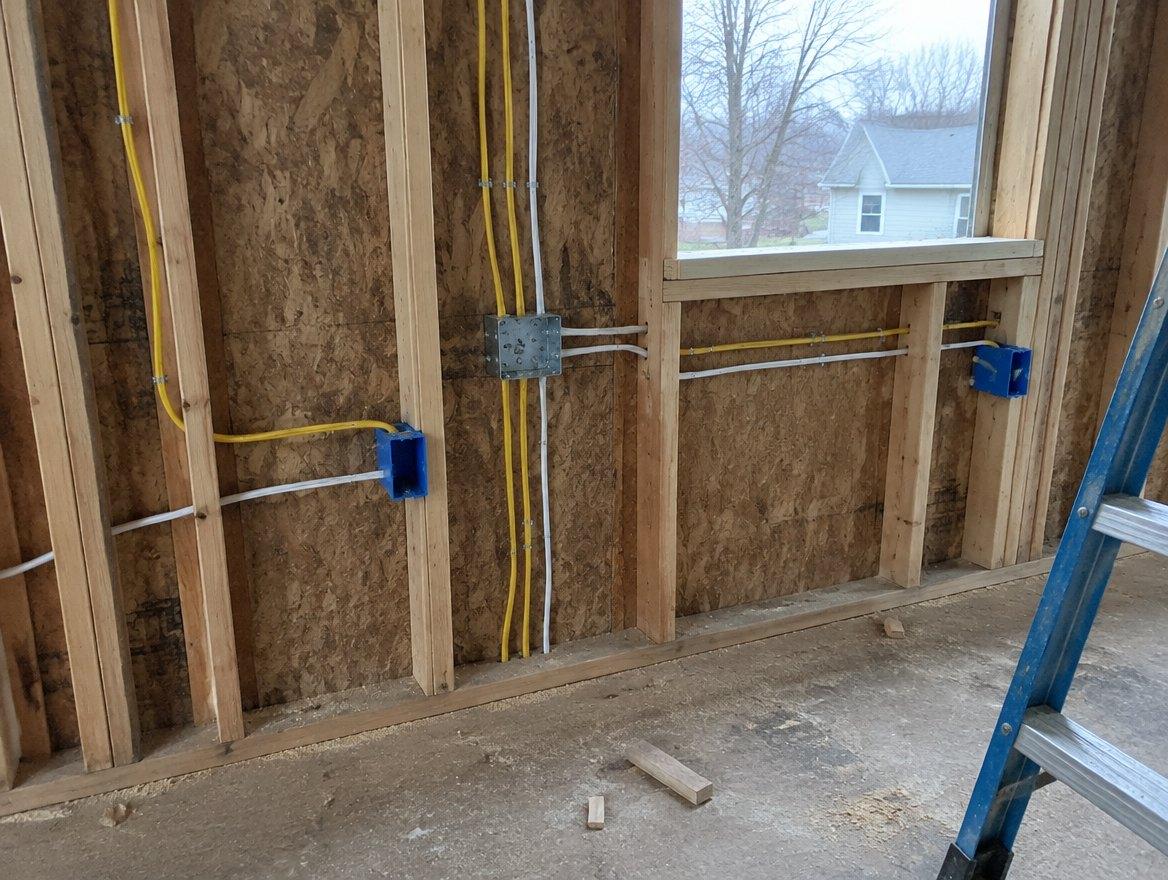
Setup takes five steps. Your crew needs one.
No training day, no binder, no login to remember. If something isn't obvious from the screen, that's ours to fix, not yours to learn.
Need help? Our team is ready to assist. Email a real person.
Getting started
Crew only need step 4Upload your plan set
One PDF. Roughin sorts every sheet by trade.
Invite your crew
By email, from the dashboard.
Assign them to the project
They only see what they’re assigned to.
Crew open RoughinCrew
The plans are already on their phone.
Sheet revised? Replace that page
Everyone gets the new one and a notification.
Plain answers to the questions owners ask us first.
No sales pitch. Here’s what the AI does, who sees your plans, and what happens if you leave.
The AI shows its work
Every answer points to the spot on the sheet it came from. Look for yourself before you cut.
Crew see their jobs only
Admins see everything. Managers and crew see the projects they’re assigned to.
Leave whenever you want
Monthly billing, no contract. Cancel from the dashboard any time.
Built in Alberta
Made by Workbench Technologies Inc. in Canada.
Three roles. Pick one when you invite someone.
The right screens come with the role. You can change what each one is allowed to do later.
- AdminWEB + APP
Runs the business side
Usually the owner or office manager. At least one per team.
- Seats and billing
- Invites and roles
- Approve hours, lock pay periods
- Everything a manager can do
- ManagerWEB + APP
Keeps the set current
PMs and supers who set up jobs and own the drawings.
- Create projects
- Upload and replace sheets
- Assign crew to jobs
- Review hours on their jobs
- CrewAPP ONLY
Builds it
Everyone in the field. No computer, no dashboard, no extra login.
- Open their jobs
- Measure and mark up
- Clock in and out
- Photos and chat
A plan that fits your crew.
Small crews get a lower base price. Bigger crews save at scale with a lower cost per seat. Admins and managers get the dashboard and the app. Crew get the app.
Plan A
$89CAD / mo baseLowest starting price. Best for small crews.
Includes your admin seat.- Each crew seat
- $35
- Each manager seat
- $45
- Each extra admin
- $55
Plan B
$349CAD / mo baseLower price per seat as the crew grows.
Includes your admin seat.- Each crew seat
- $22
- Each manager seat
- $30
- Each extra admin
- $45
Plan C
$899CAD / mo baseLowest price per seat for big crews.
Includes your admin seat.- Each crew seat
- $9
- Each manager seat
- $25
- Each extra admin
- $40
What each seat gets
Defaults · change them anytime in Settings- Admin seatPhone appWeb dashboard
- Everything a manager gets
- Every project, seats and billing
- Roles, permissions, approve and lock hours
Your first admin seat is included in the base price.
- Manager seatPhone appWeb dashboard
- Everything a crew seat gets, plus Ask AI
- Create projects, upload and replace sheets
- Assign crew and share sheets
- Crew seatPhone appNo dashboard
- Their assigned projects on their phone
- Measure, mark up, notes and site photos
- Clock in and out, crew chat
Ask AI and sharing stay off until you turn them on.
Seat calculator
Count people, not phonesCheapest is Plan A: $599 CAD per month for 15 seats.
Good to know
Change seats any time. Stripe prorates the difference.
Someone leaves? Remove them and give the seat to the next hire.
75+ crew? We'll quote your team directly.
Questions
- Will my crew actually use it?
- Yes. They get answers fast from a plan set that's organized and easy to navigate, with markup, AI help, team chat and a built-in construction calculator for everyday use.
- What happens when a sheet is revised?
- A manager replaces that page from the dashboard. Every phone on the job gets the new one and a notification, and the old one is gone. Nobody has to delete anything.
- Can I trust the AI's answers?
- The AI answers from the information on your prints, and every answer points to the spot on the sheet it came from. Like any AI it can get something wrong, so take a look at that spot before you cut or order. You also choose which roles can use it.
- Does my crew need a computer?
- No. Crew run Roughin from their phone. Admins and managers get the phone app too, plus the dashboard on any computer.
- Who can see which projects?
- Admins see every project. Managers and crew only see the projects they're assigned to.
- Some of my crew already use Roughin.
- Invite them with the email they already sign in with. They join your team on that same account.
- How long does setup take?
- Most teams are set up in an afternoon. From the dashboard, invite your team, create your projects, upload your plans and assign the crew. Roughin organizes the rest.
- How do I cancel?
- Any time, from the dashboard. Billed monthly, no contract, no commitment.
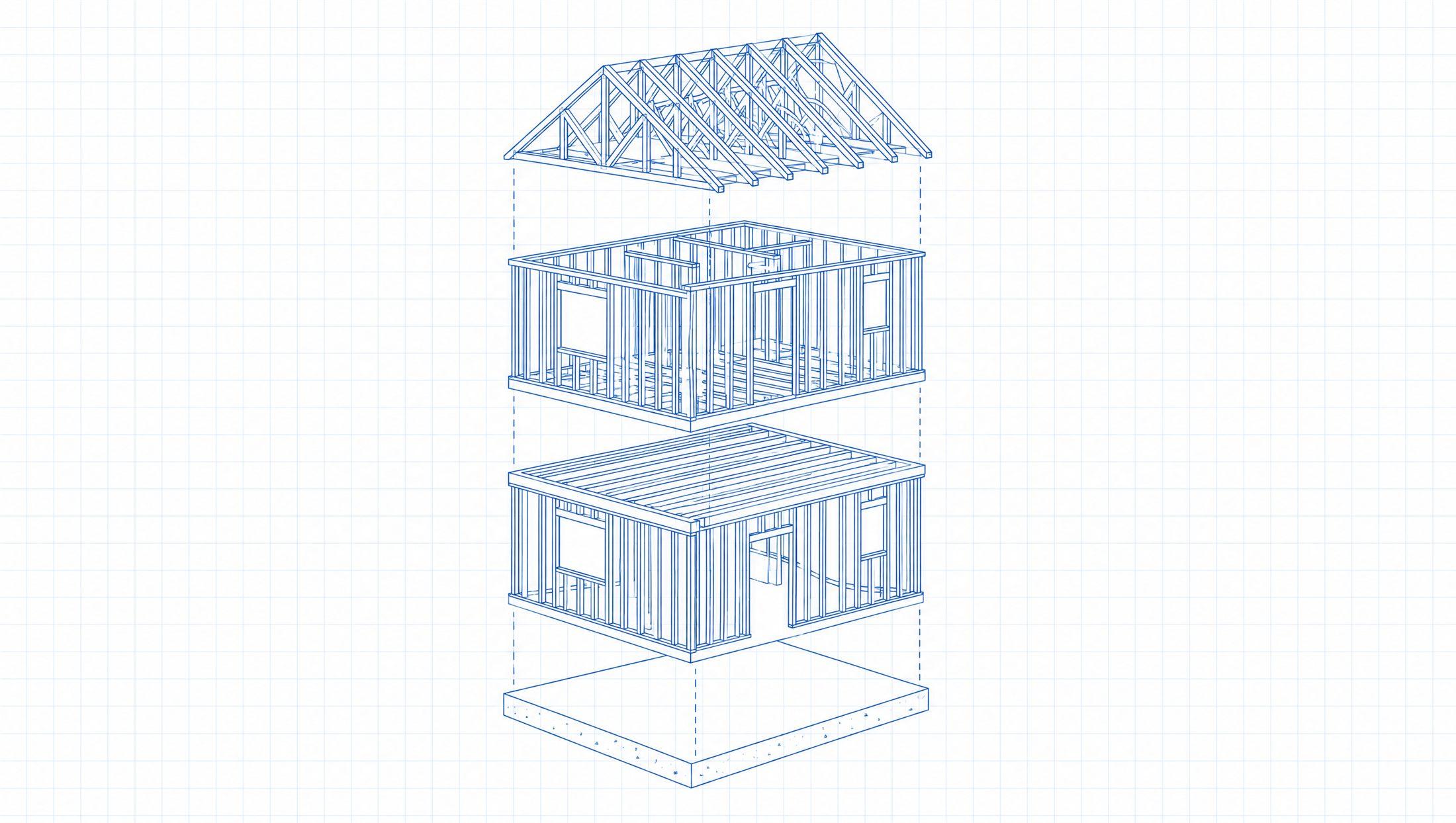
Upload the set this morning.
Crew on it this afternoon.
Quick to set up. Easy to use.