
Your plan set, sorted.
Mark up, measure, share.
Upload the PDF and Roughin files every sheet by trade. Mark up, measure, crop and share right on the sheet, with notes, site photos and a feet-inch calculator built in.
- Sorted by
trade - Mark up
the sheet - Measure
to scale - Crop +
share - Notes on
the sheet - Site
photos - Construction
calculator - Ask the
plans
One app for everything.
Find the sheet, mark it up, measure it, crop it and send it. Keep notes and site photos with the job.
Filed by trade.
Upload every set for the job and each sheet lands in its trade: architectural, electrical, plumbing and more. Tap a trade to open it.
Mark it up. Measure it.
Circle it, arrow it, add a text box. Use Roughin’s auto scale detection or set the scale yourself, then tap two points and pin the measurement to the sheet.
Send just the part that matters.
Crop a detail, with or without your markups, and send it as a picture. Or share the whole sheet as a PDF.
Notes that stay with the sheet.
Notes live on the sheet they’re for, so they’re easy to find again. Calculator results can go into a note too.
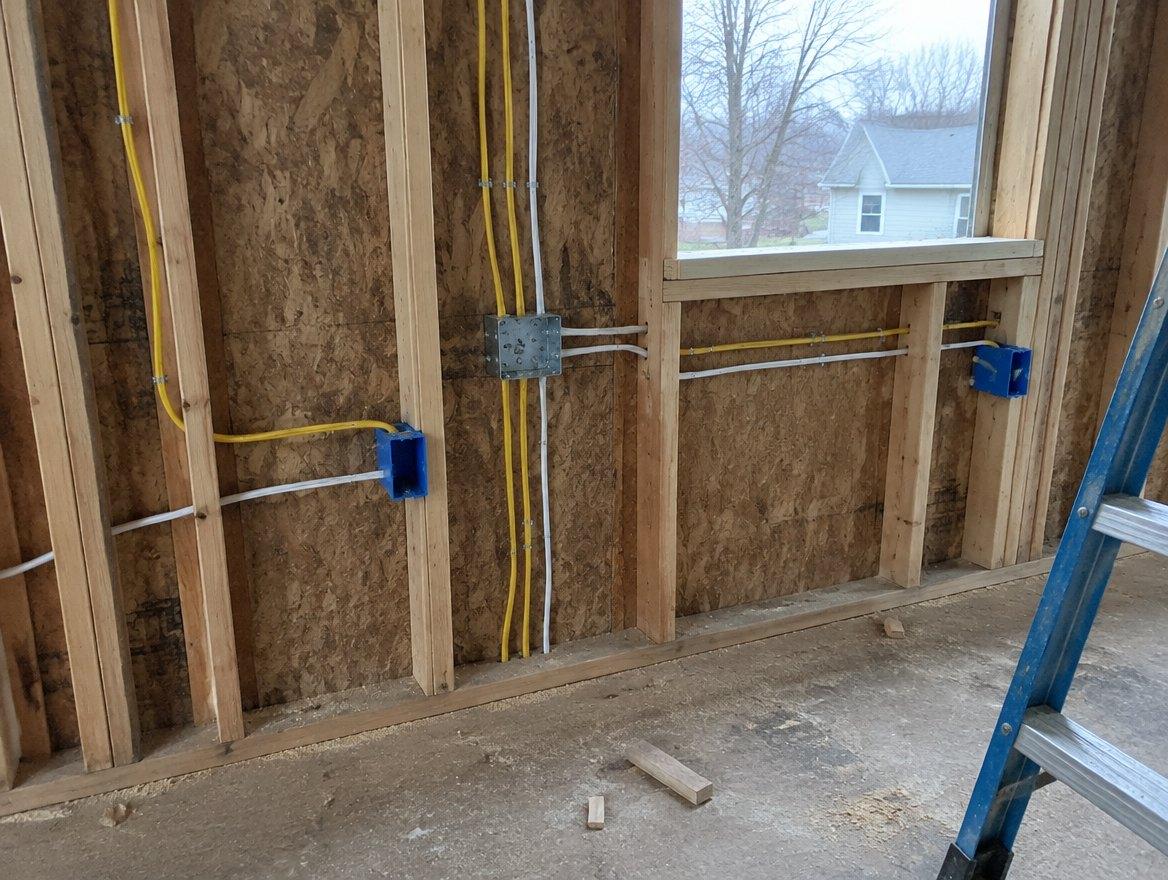
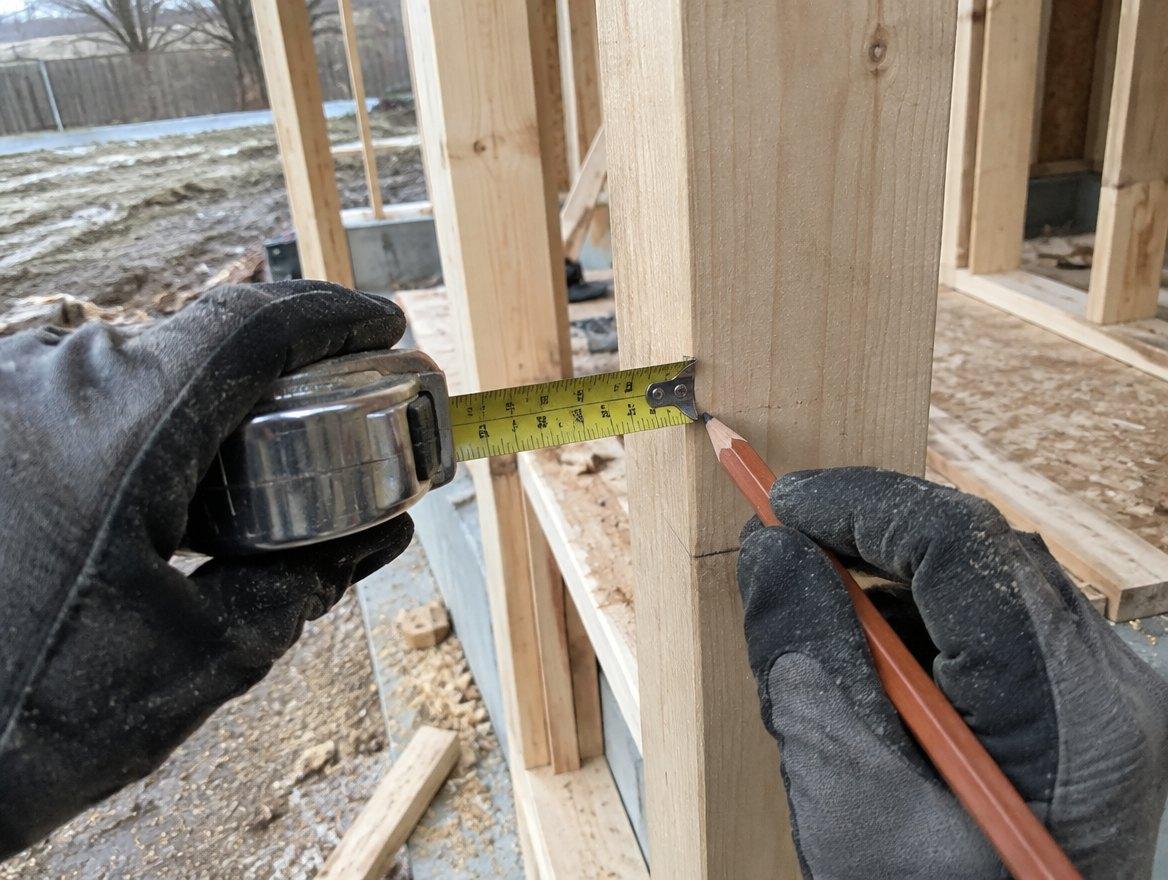

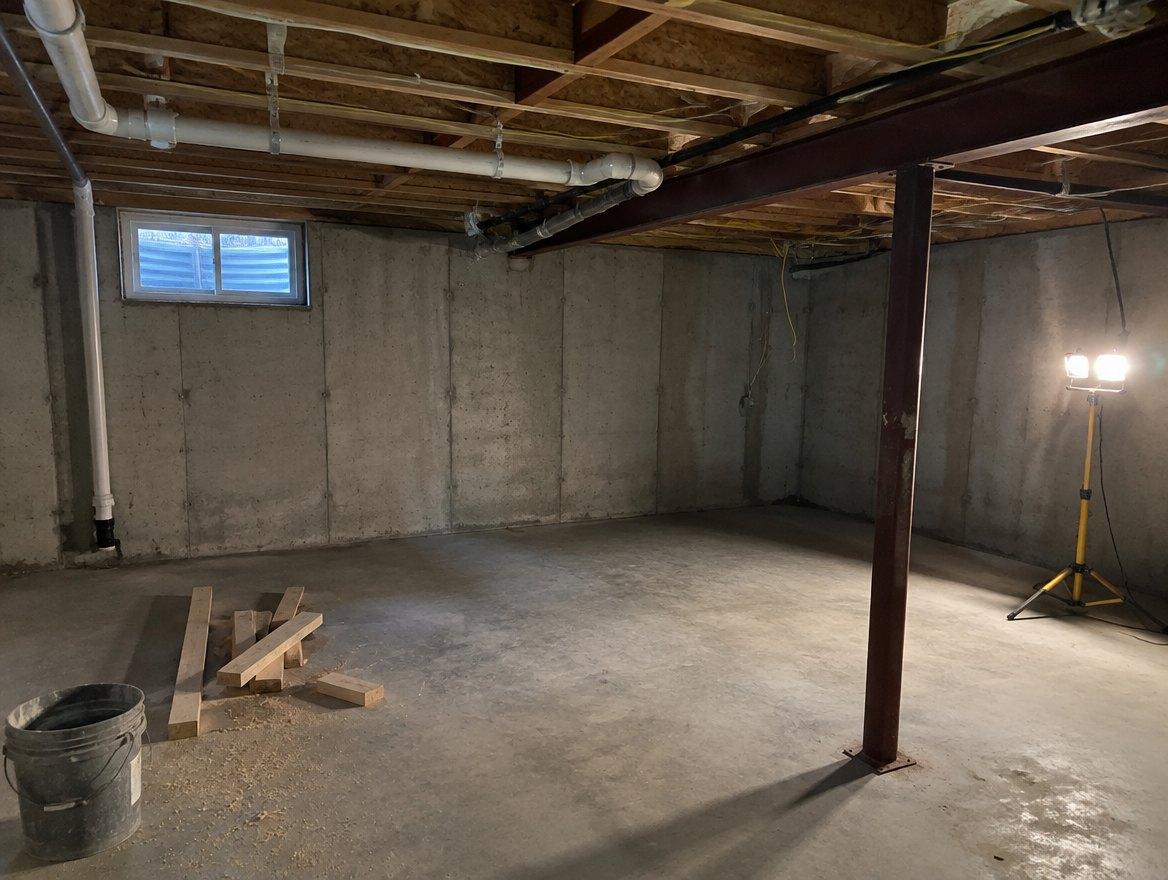

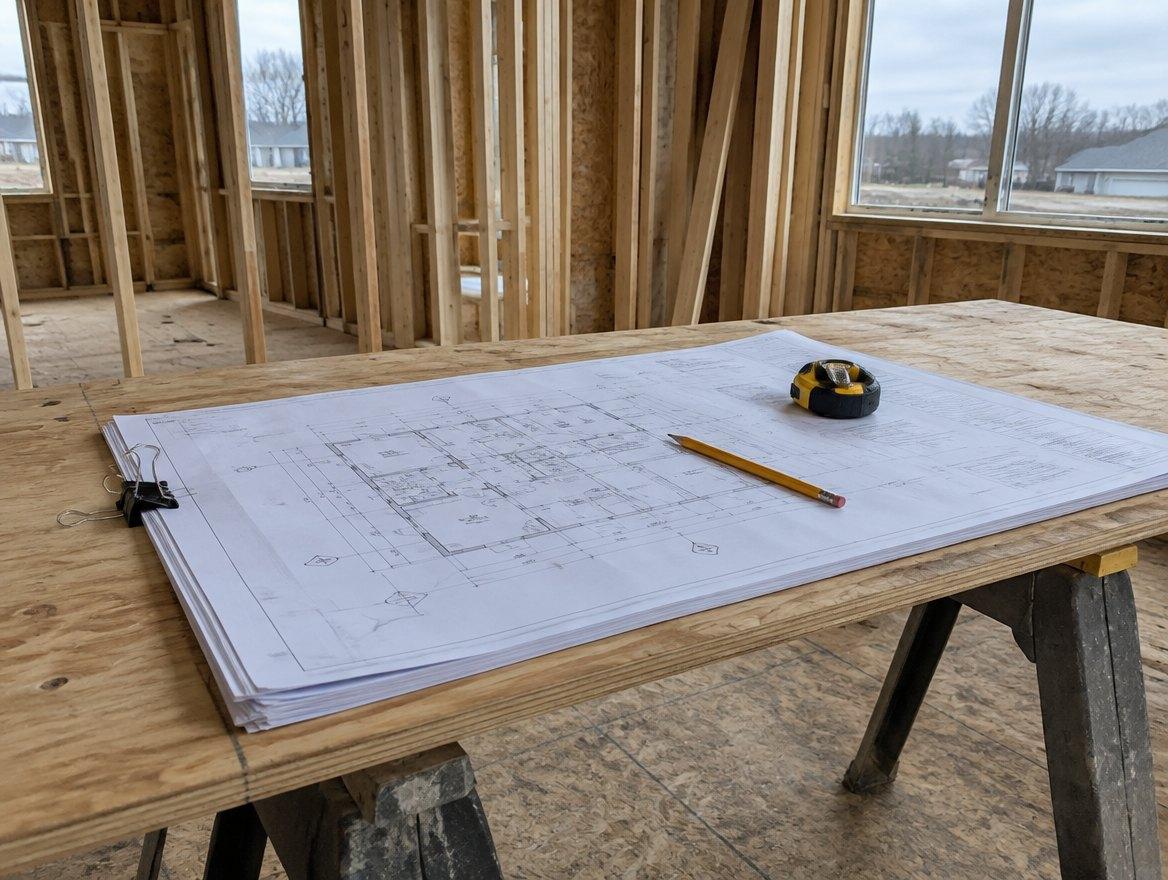
Site photos with the plans.
Snap progress shots and as-builts. They’re saved to the project, sorted by day.
Job-site math, done fast.
Feet, inches and fractions, areas, volumes and more. Flip any answer between units in one tap.
Ask it like you’d ask the foreman.
Type it or say it. Which sheet has the kitchen plumbing? What does AFF mean on this set? It answers from your plans and points you to the sheet.
- 01Answers come from the set you uploaded. Keep it current.
- 02Best at finding things: which sheet, which room, what a tag means.
- 03Tap the sheet it names and the page opens. Check it before you cut.
Upload the set. Roughin sorts it. Find the sheets fast.
- Upload
Drop in the PDF
Start a project for the job and upload the plan set. Every page shows up so you can see it at a glance.
- Auto Sort
Roughin organizes it
Every sheet organized by set, numbered and named. No more scrolling through a long list of pages for one plan.
- Mark up + measure
Work on the sheet
Circle it, arrow it, add a text box. Use Roughin’s auto scale detection or set the scale yourself, then tap two points and pin the measurement to the sheet.
- Share + keep
Send it, save it
Crop the detail and send it. Notes and site photos saved to the job.
Every tool in the app, start to finish.
Upload plan sets
Make a project for each job and upload your prints. Every sheet is on your phone, ready when you need it.
Auto Sort by trade
Architectural, Structural, Mechanical, Electrical, Plumbing and more. Every sheet numbered and named.
Mark up
A full markup toolkit: circles, arrows, rectangles, text boxes and highlights, saved right on the sheet.
Measure
Use Roughin’s auto scale detection or set the scale yourself, then tap two points and pin the measurement to the sheet.
Crop and share
Crop a detail, with or without your markups, and send it as a picture. Or share the sheet as a PDF.
Construction calculator
Works in feet, inches and fractions, or metric. Triangle, areas, volumes and conversions too. Opens over the sheet, so you can calculate as you read the prints.
Site photos
Take progress photos and as-builts right into the project. Sorted by day, kept with the plans.
Notes
Keep notes on any sheet, or on their own. Calculator results can go into a note too.
Find on plans
Search sheet names, room labels, notes and legend entries across your sorted sets.
Custom sets
Set it up your way: build your own sets, rename and recolor groups, and move sheets between them.
Sheet stacks
Pick up to 6 sheets and swipe between them to compare.
Ask AI
Type or say a question about your plans. It answers from your set and points you to the sheet.
On-the-job math, solved on the spot.
A keypad built for the trades. Use imperial or metric, work out areas and volumes, find angles, and convert units in one tap. Save it or send it to a note, right from your phone where you're standing.
- Triangle
- Areas
- Volumes
- Convert
Mini calc over the sheet
Open a small calculator right on top of the plans. Read a dimension, add it up, and keep the sheet in view.

One phone, from the first sheet to the last note.
- 7:00Pull up the lighting plan. It’s already filed under Electrical.
- 9:30Measure a run off the plan for the material count and pin it to the sheet.
- 11:00Crop the detail the super asked about, circle it, send it.
- 2:00Photos of the open walls before the drywall goes up. Saved to the job.
- 3:30Add up the offsets on the calculator and send the total to a note on the sheet.
Free to try. Priced for the person on the tools.
No more walking back to the truck or the trailer to check the plans. Pull them up where you’re standing. Time saved, production continues.
Free
Your sets on your phone, plus the calculator.
- 3 new projects · 15 pages a month
- Every page, pinch and zoom
- Construction calculator
- Notes and saved calcs
Solo
One tradesperson with steady work.
- 10 new projects · 60 pages a month
- Auto Sort: every sheet filed by trade
- Mark up, measure, crop and share
- Site photos, custom sets, sheet stacks
- Ask AI: 30 questions a month
Pro
Several sites and bigger plan sets.
- Unlimited projects · 300 pages a month
- Ask AI: 60 questions a month
- Scale detection: 300 a month
- Everything in Solo
Running a crew? Put everyone on the same sheet.
Roughin Teams adds a web dashboard, crew assignments, hours and team chat. Priced per seat.
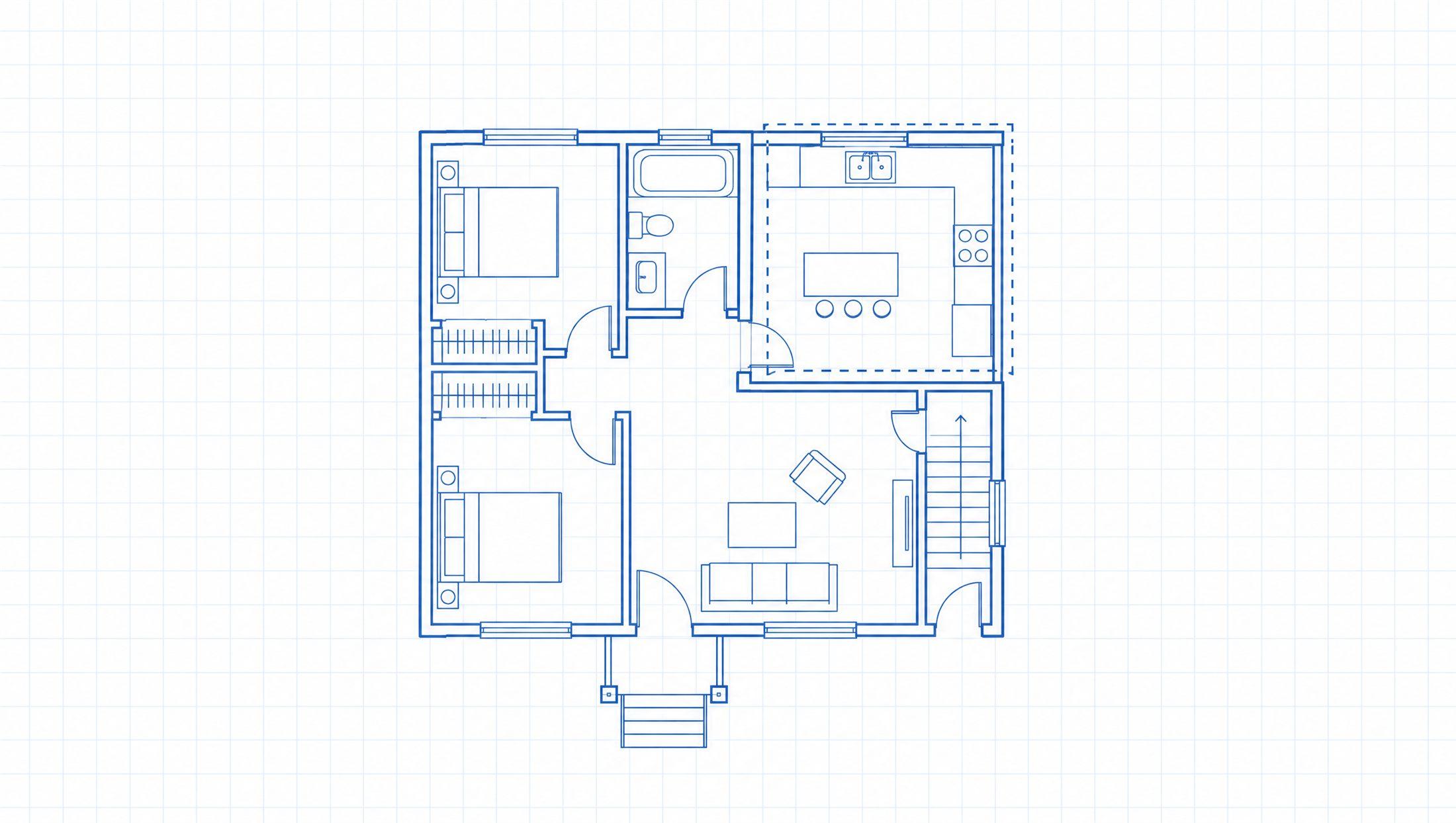
The whole set, in your pocket.
Get the app.
Free to start, no card. Paid plans cancel anytime in Google Play or the App Store.